React · Next.js · Architecture
React Server Components: What Frontend Developers Need to Understand in 2026
October 2026 · 10 min min read
React Server Components (RSC) are one of the most important architectural ideas in modern React—but they are also one of the easiest to misunderstand. They are not simply “SSR with a new name,” and they do not mean that every component should move to the server.
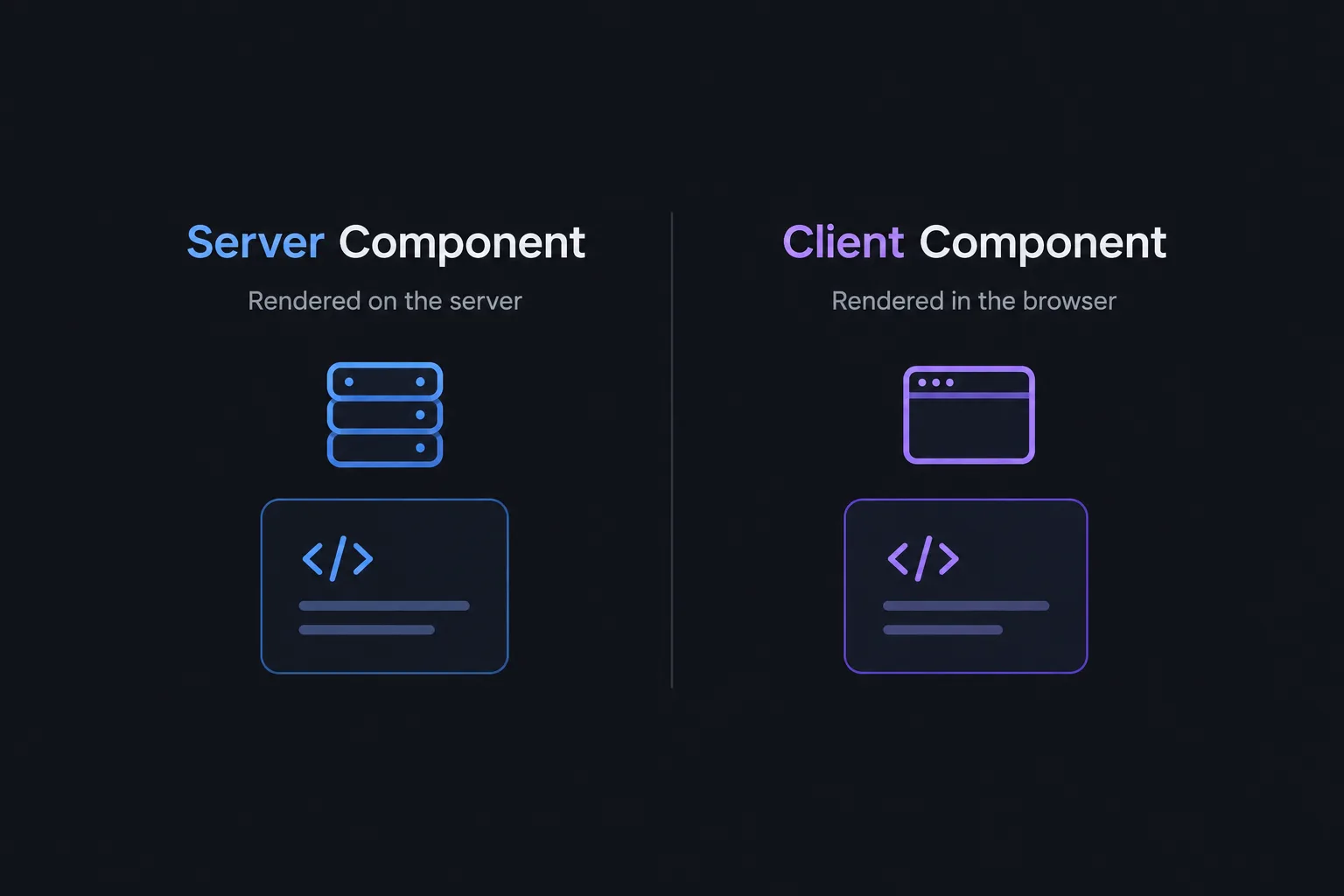
The real shift is about where a component executes, what data it can access, and how much JavaScript the browser needs to download and run. In a Next.js App Router application, understanding that boundary helps you build interfaces that are faster, easier to reason about, and safer by design.
1. Server Components are not the same as SSR
Server-side rendering (SSR) is a rendering strategy: the server generates HTML for a request. React Server Components introduce a different capability: components can execute in a server environment and produce a React Server Component Payload (often called the RSC payload). That payload describes the rendered Server Component output and references Client Components where they are needed.
These concepts can work together. In Next.js, Server Components can be used to produce the initial page output, while Client Components are hydrated in the browser to become interactive. On later navigations, the framework can use the RSC payload to update the UI without treating the whole page like a traditional full reload.
- SSR: a way to render HTML on the server.
- Server Components: a component model that lets eligible components execute on the server or at build time.
- Client Components: components whose JavaScript is included in the client module graph so they can support browser interaction.
2. The default mental model in Next.js App Router
In the App Router, pages and layouts are Server Components by default. You opt into a Client Component by placing 'use client' at the top of a module. This directive marks a boundary in the module graph: imports reachable from that module become part of the client-side bundle.
// app/products/page.jsx — Server Component
import AddToCartButton from './add-to-cart-button';
import { getProducts } from '@/lib/products';

export default async function ProductsPage() {
  const products = await getProducts();

  return (
    <main>
      <h1>Products</h1>
      <ul>
        {products.map((product) => (
          <li key={product.id}>
            <h2>{product.name}</h2>
            <p>{product.price}</p>
            <AddToCartButton productId={product.id} />
          </li>
        ))}
      </ul>
    </main>
  );
}
// app/products/add-to-cart-button.jsx — Client Component
'use client';
import { useState } from 'react';
export default function AddToCartButton({ productId }) {
const [added, setAdded] = useState(false);
function handleClick() {
// In a real app, call a validated server endpoint or Server Function.
setAdded(true);
}
return (
<button onClick={handleClick} data-product-id={productId}>
{added ? 'Added' : 'Add to cart'}
</button>
);
}The page fetches data in the server environment, while the small button owns local interaction. This is a useful default: keep the page and data-oriented UI on the server, and move only the interactive island to the client.
3. When should you use a Server Component?
Server Components are a strong fit when a component needs to:
- Read data from a database or an internal service close to the source.
- Use server-only credentials without exposing them to the browser.
- Render mostly presentational or content-heavy UI.
- Reduce the amount of application JavaScript sent to the client.
- Stream slower sections while allowing more important content to appear earlier.
They are not automatically faster in every situation. A slow database query, an uncacheable request, or a long chain of sequential awaits can still delay the user. Moving code to the server changes the execution environment; it does not eliminate network latency or make inefficient data access disappear.
4. When do you need a Client Component?
Use a Client Component when the UI needs browser-side capabilities such as:
useState, event handlers, or effects such asuseEffect.- Browser APIs like
window,localStorage, or geolocation. - Client-side interaction libraries that rely on the DOM.
- Context providers or custom hooks that depend on client-side state.
A frequent mistake is adding 'use client' to a large page or layout just because one small element needs an event handler. That can pull more modules into the client bundle than necessary. Instead, isolate the interactive part into a smaller component and keep the surrounding UI on the server.
5. The boundary is about imports, not just JSX nesting
One subtle but important detail: a Server Component can render a Client Component, but a Client Component should not directly import a Server Component module and expect it to execute on the server. Instead, compose the tree from a Server Component and pass server-rendered content into a Client Component through a supported slot such as children.
Also, props passed from Server Components to Client Components must be serializable by React. Avoid passing arbitrary server objects, database clients, or functions that cannot cross that boundary. Pass the minimal data the interactive component actually needs.
6. Data fetching, streaming, and loading states
Server Components let you use async/await during rendering, including direct access to a server-side data layer. But data-fetching structure still matters.
- Avoid accidental waterfalls: if two independent requests are needed, start them in parallel with
Promise.allwhere appropriate. - Use Suspense intentionally: wrap slower, lower-priority regions in a meaningful loading boundary so the rest of the page can render sooner.
- Keep loading UI useful: a skeleton should communicate the shape of the content, not just animate indefinitely.
- Handle failures: define what happens when a request fails, data is missing, or a downstream service is unavailable.
Streaming can improve perceived performance by letting the server send ready parts of the UI while slower sections are still resolving. It does not make the underlying operation complete sooner; it can make the page useful earlier.
7. Caching is a separate decision
Do not assume that “Server Component” means “cached.” Rendering location and caching policy are different concerns. In Next.js, caching behavior depends on the framework version, route configuration, data access pattern, and features you enable.
For every data source, answer these questions:
- Can this result be shared across users, or is it user-specific?
- How fresh must the data be?
- What event invalidates or revalidates it?
- Could a cache accidentally expose one user's data to another?
Public product descriptions might be cacheable; a user's insurance quote, account details, or private dashboard data needs a much more careful policy. Check the current Next.js documentation for the caching model used by your version instead of copying an old example and assuming the defaults are unchanged.
8. Security: server-side code is not automatically safe
Keeping database access and secrets on the server can reduce exposure, but it does not replace authorization. Any Server Function, route handler, or server-side operation that changes data must validate its input and verify that the current user is allowed to perform the action.
- Never treat a hidden button as an authorization mechanism.
- Validate input at the server boundary.
- Check ownership and permissions for every sensitive operation.
- Return only the fields the client needs.
- Do not send secrets or privileged internal data as component props.
Think of the Server/Client boundary as an architectural boundary—not as a substitute for application security.
9. Common mistakes to avoid
- Using
'use client'everywhere: this can increase the client-side JavaScript surface and blur architectural boundaries. - Confusing RSC with SSR: they solve related but different problems.
- Assuming server means fast: slow queries and sequential requests remain slow.
- Passing too much data to the client: serialize only what the UI requires.
- Mixing server-only and browser-only dependencies: keep environment-specific code in the correct module graph.
- Ignoring cache scope: user-specific responses must never be shared incorrectly.
- Using Server Functions without authorization checks: server execution does not make an operation trustworthy by default.
10. A practical decision checklist
When adding a component to a Next.js App Router project, ask:
- Does it need state, event handlers, effects, or browser APIs? If yes, it likely belongs in a Client Component.
- Does it primarily fetch and display data? Start with a Server Component.
- Can the interactive area be isolated instead of marking the whole page as client-side?
- Are the props crossing the boundary serializable and minimal?
- Are independent data requests parallelized, and are slow regions covered by meaningful loading states?
- Is the cache policy correct for the data's freshness and privacy requirements?
- Are server-side mutations validated and authorized?
Final thoughts
React Server Components are not about choosing “server” over “client.” They are about making that choice deliberately. A well-designed application uses the server for data access and rendering where it makes sense, and the client for the interactions that genuinely need a browser.
For frontend engineers in 2026, the valuable skill is not memorizing a list of directives. It is understanding the execution boundary, data flow, loading behavior, caching, and security implications—and being able to explain why a component belongs where it does.
Further reading: React: Server Components · Next.js: Server and Client Components · Next.js: Fetching Data